Run sales, projects, stock and the books on business software we set up, host and look after for you.
Most growing companies run on an accounting app, a few spreadsheets, email and what one or two people remember, and the same information is rewritten from one to the next. Adomi Cloud replaces that with complete business software: CRM, sales, projects, inventory and accounting working from the same records, bank transactions and supplier bills coming in on their own, and an assistant your team can message. We are an Odoo partner; we set it up around the way you work, bring your existing data across and keep it running.
- Set up around the way you work
- Your customers, products and open invoices brought across
- Hosting, backups and updates looked after for you
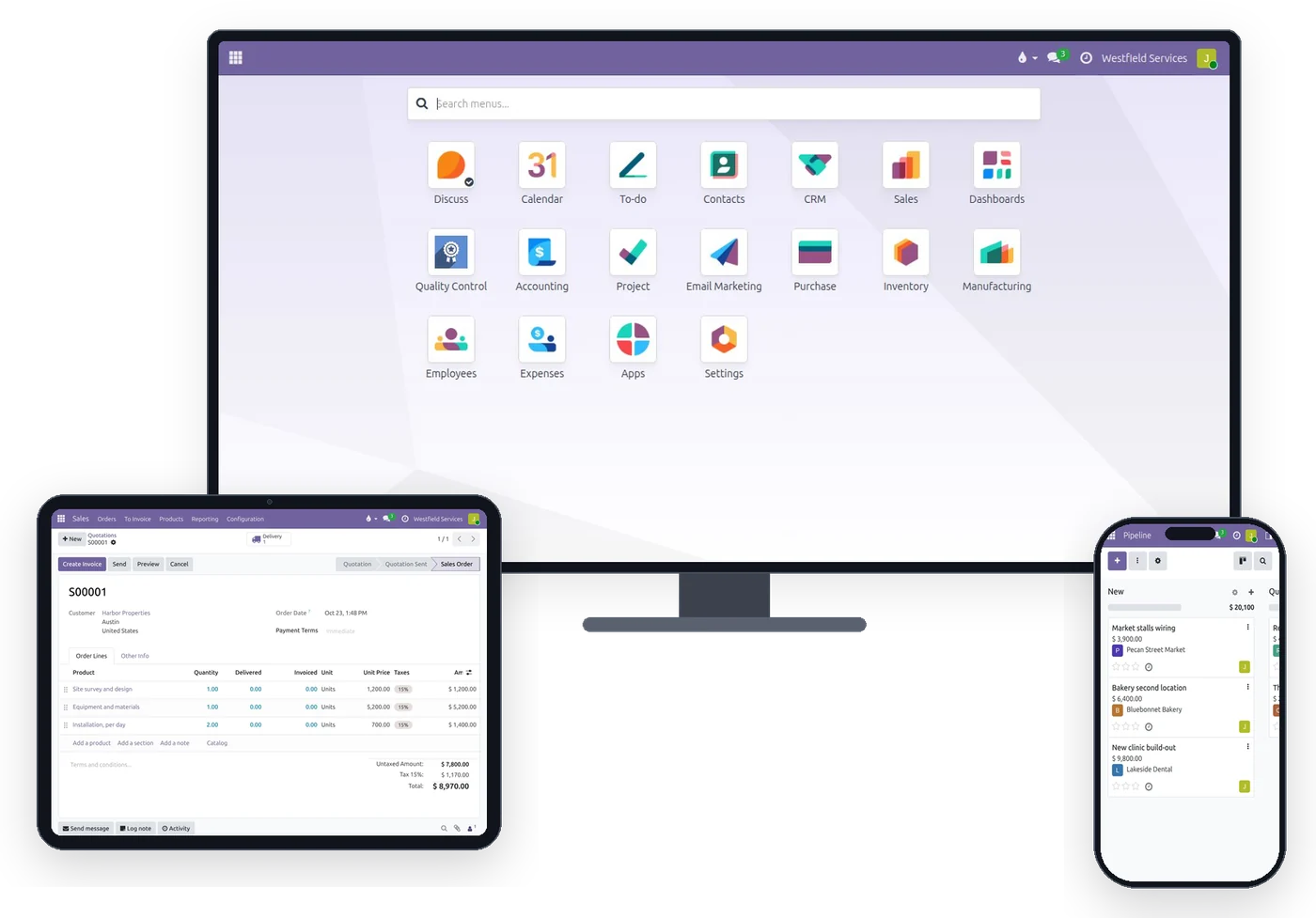
Turn an enquiry into a quote, an order and an invoice without anyone typing the same line twice.
When the lead is in an inbox, the quote in a document and the invoice in the accounting app, every handover is a chance to drop a line or use an old price. Here each lead sits in a pipeline with its next step, the quote is built from your own products and prices, the customer accepts it online, and the order becomes the delivery and the invoice with the same lines. Anyone with the right access can see where a deal stands without asking the person who owns it.
- A pipeline with the next step on every deal
- Quotes from your own products, prices and terms
- Accepted and signed online by the customer
- Invoices drawn from the order rather than retyped
Every job gets a board the whole team works from, so you see what is late and what it has cost before the final invoice.
Jobs tracked on a whiteboard and in group texts fall behind quietly, and the margin is a surprise when the job is over. Each project gets its stages and its tasks, each task an owner, a deadline and the conversation about it. Hours, purchases and expenses land on the project as they happen, so cost against budget is on the screen while there is still time to do something about it.
- Tasks with an owner, a deadline and their history
- The same board in the office, on a tablet and on a phone
- Hours, bills and expenses booked to the job as they happen
- Cost against budget before the final invoice
Your bank and card transactions come into the books by themselves, each one arriving with the invoice or bill it paid already proposed.
Downloading statements, fixing the columns and ticking lines against invoices takes hours nobody bills for, and the cash figure is out of date by the time it is done. Each account is connected once, read-only, and posted transactions are imported automatically. Every line comes with its match suggested, rules book the ones that repeat, such as bank fees, and a payment that covers several invoices is spread across them.
- Checking, savings and credit cards, each in its own account
- Nothing imported twice and nothing typed
- Rules for the lines that repeat
- A cash position that is true on the day you look
Supplier invoices and receipt photos fill in their own draft bills, leaving a person only to check and confirm them.
Bills pile up in an inbox and receipts in a pocket until someone spends an afternoon typing them in, and the ones that go missing are the ones you paid. Drop the supplier's PDF on the bills list or upload a photo of the receipt, and the vendor, date, lines and tax are read into a draft with the document beside it. Someone checks and confirms it, and when the payment shows up in the bank feed it is matched to the bill.
- Vendor matched to an existing contact, or created
- One line per item, with quantity, price and tax
- The document kept on the bill for your accountant
- Paid bills matched when the bank line arrives
Send the assistant a receipt or a one-line request and the expense, the draft quote or the to-do is written for you.
The office work that happens away from a desk is the work that gets lost: the receipt from the supply run, the price agreed with a customer, the call you promised to make. Your team messages the assistant in the company chat or by text, and it writes the record and answers with a link to it, acting with that person's own access rights. Quotes and expenses stay drafts until someone sends or confirms them.
- Expenses with the receipt photo attached and the job set
- Draft quotes from the customer, the products and the quantities
- To-dos and reminders from a sentence
- Answers about invoices and orders, with the records linked
Keep everything your accounting app does well and lose the retyping around it.
The worry with changing software is losing what you have. Your customers, products and the invoices still open come across from your accounting app and the spreadsheets you keep, so nothing is retyped and no balance is lost, and the quote, the customer list and the project stop living in separate places.
What you keep
- Bank feeds: every transaction from your banks and cards, imported automatically
- Invoicing by email, with a link for the customer to view and pay
- Reconciliation: bank lines matched to invoices and bills
- The reports: profit and loss, balance sheet, who owes you what
What you gain
- Customers, quotes, orders, projects and invoices on the same records
- Supplier invoices and receipts read for you, and an assistant your team can message
- Inventory, purchasing and a team that works from the same screens
- Your own database, exportable any day
How switching works
Export what you have
Customers, products and open invoices from your accounting app, and whichever spreadsheets run the rest. The files you already have are enough.
We bring it over
We load the customer list, the products and prices, and the invoices still open, so nothing is retyped and no balance is lost. Closed history stays where it is to look up.
Connect the bank and start
Log in on your bank's own page once. Transactions start arriving automatically, and the first quote goes out from the new software.
What it is for
The software a growing company runs on, and the care that keeps it running.
CRM
Every lead in one pipeline, with the next step scheduled and the history on the record.
Sales
Quotes from your products and prices, accepted online and invoiced from the order.
Projects
Boards, tasks and deadlines for every job, with hours and costs booked as they happen.
Inventory
Stock by location, receipts and deliveries, and reordering before the shelf is empty.
Accounting
Double-entry books, invoices and bills, and the reports your accountant asks for.
Bank feed
Bank and card transactions imported automatically and matched to what they paid.
Bill scanning
Supplier PDFs and receipt photos read into draft bills with the document attached.
The assistant
Expenses, draft quotes, to-dos and answers from a message, acting as the person who sent it.
Hosting and care
Your own database on your own address, with backups, updates and certificates looked after by us.
Questions people ask first
Is my data mine?
Yes. It is your own database, hosted for you. Export anything as a spreadsheet whenever you like, and ask us for a full copy of the database at any time. Everything underneath is open source, so there is nothing you cannot take with you.
Can I bring my existing data?
Customers, products and open invoices come over from the files your accounting app exports, and from spreadsheets; we load them for you during setup. Closed history stays where it is, to look up when you need it.
What is it built on?
Odoo, the open-source business suite used by millions of companies, with the parts Adomi adds: the bank feed, invoice and receipt scanning, the assistant, and the hosting. Adomi is an Odoo partner.
Where is it hosted?
On Adomi's own infrastructure in a US data center, the same one that runs Adomi's office. If you would rather host it yourself, see Adomi Enterprise.
Who looks after it?
We do: backups kept in a second location, updates applied outside your hours, certificates renewed, and the people who set it up answering when something is off.
How do we start?
Schedule a demo. We show you Adomi Cloud on a company like yours, agree what to bring across and which apps to switch on, and set it up on your address.
Related
Sales
Quotes, orders, deliveries and invoices from one record, so nothing is typed twice.
See salesProject management
Every job on schedule and on budget, on a board the whole team works from.
See projectsAccounting
Bank feeds matched automatically, bills read for you, books your accountant can work in.
See accountingHosting and operations
Backups, updates, certificates and monitoring for the software your business runs on.
On the services pageSchedule a demo.
Tell us a little about your business and what you would like to see. We walk you through how this would work for a company like yours, at a time that suits you. The first conversation is free.