Send campaigns to the right customers from the records you already have, and measure them in orders.
The mailing list is a spreadsheet exported last quarter, and nobody can say whether the last campaign sold anything. With the customer records as the list, campaigns go to segments built from what people actually bought and when, the subject line is tested before the whole list sees it, every open, click and unsubscribe lands back on the contact, and the results are counted in leads, quotes and orders. It starts with the list you have now, cleaned once and never exported again.
- Segments built from the customer records
- A/B tests that send the winner automatically
- Campaigns measured in orders
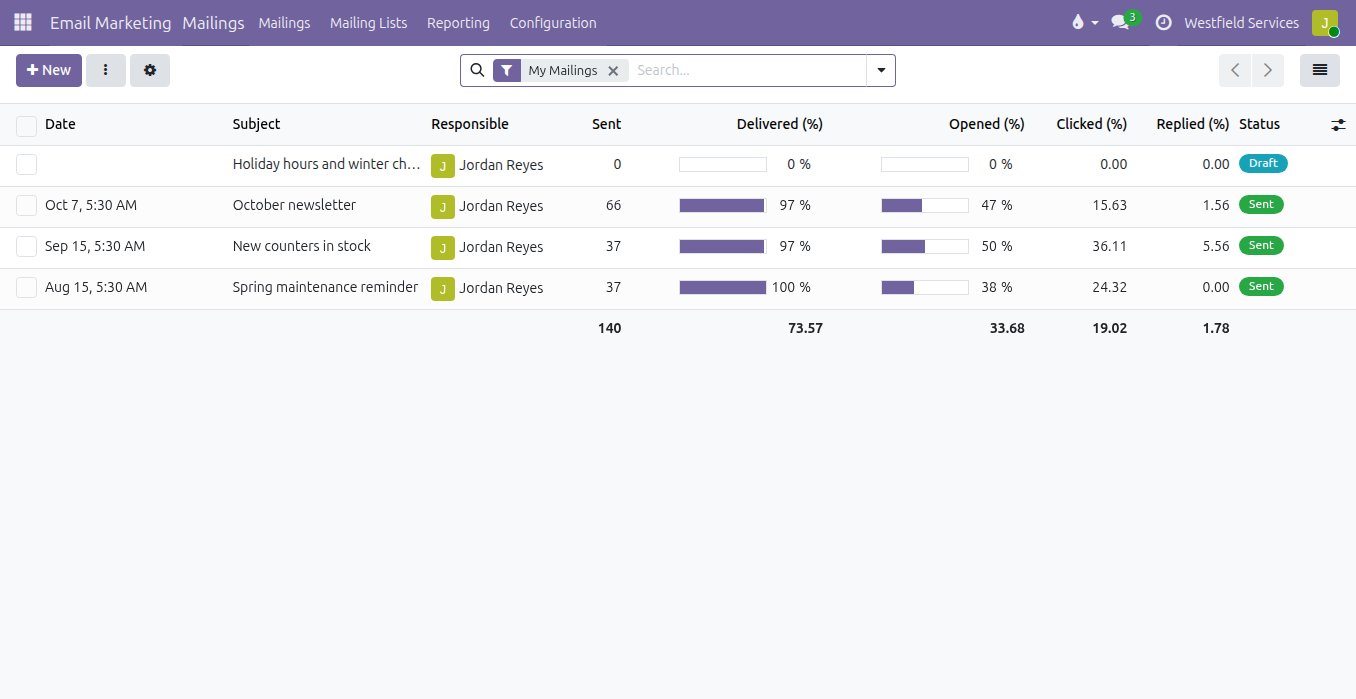
Write to the customers who bought this product and have gone quiet, in an email that looks like you on any screen.
A campaign sent to everyone is a campaign nobody reads. Here the mailing is addressed to a segment written as a rule: customers who bought this product, in this region, who have not ordered in ninety days, refreshed as the records change. The editor is blocks dragged into place, a heading, a picture, a button, a footer, with your logo and your colours already there, and the layout adjusts itself to a phone. You choose when it goes out, and the open, click and bounce rates are there within the hour.
- A segment written as a rule, refreshed when the records change
- An editor with your brand already in it, readable on a phone
- Sends scheduled for the moment you choose
- Opens, clicks and bounces on every send
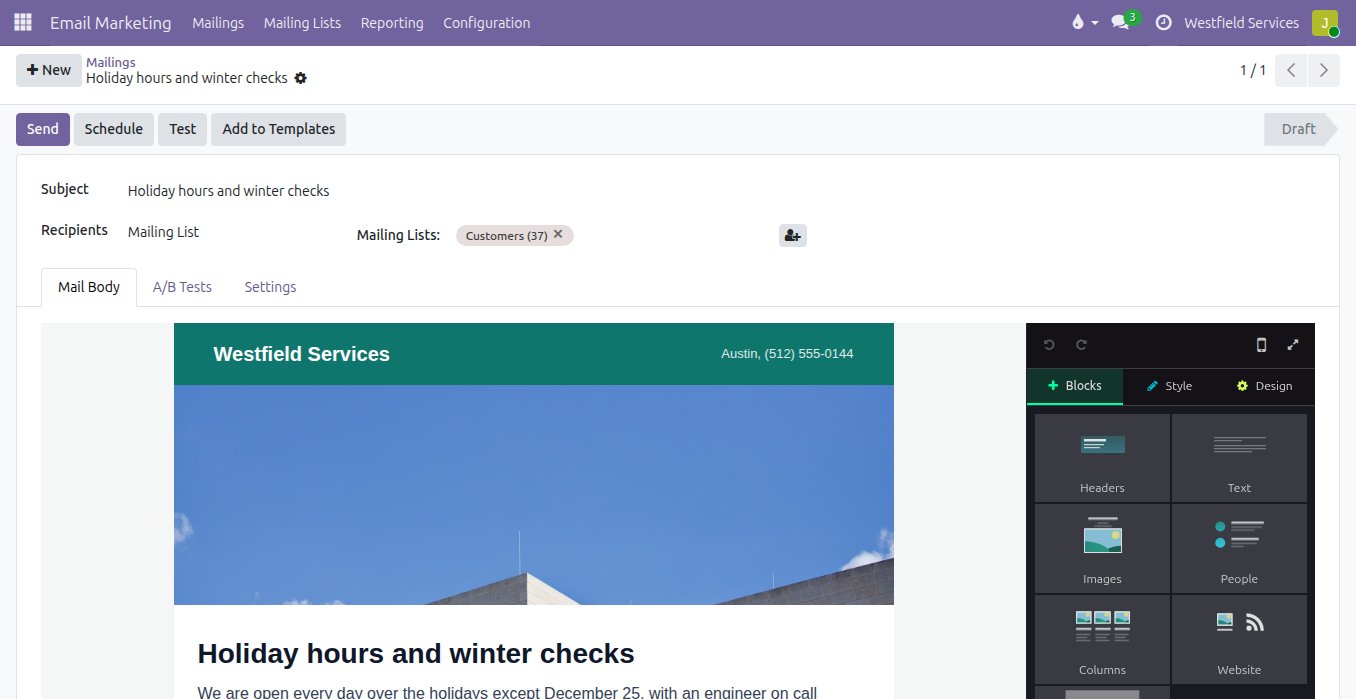
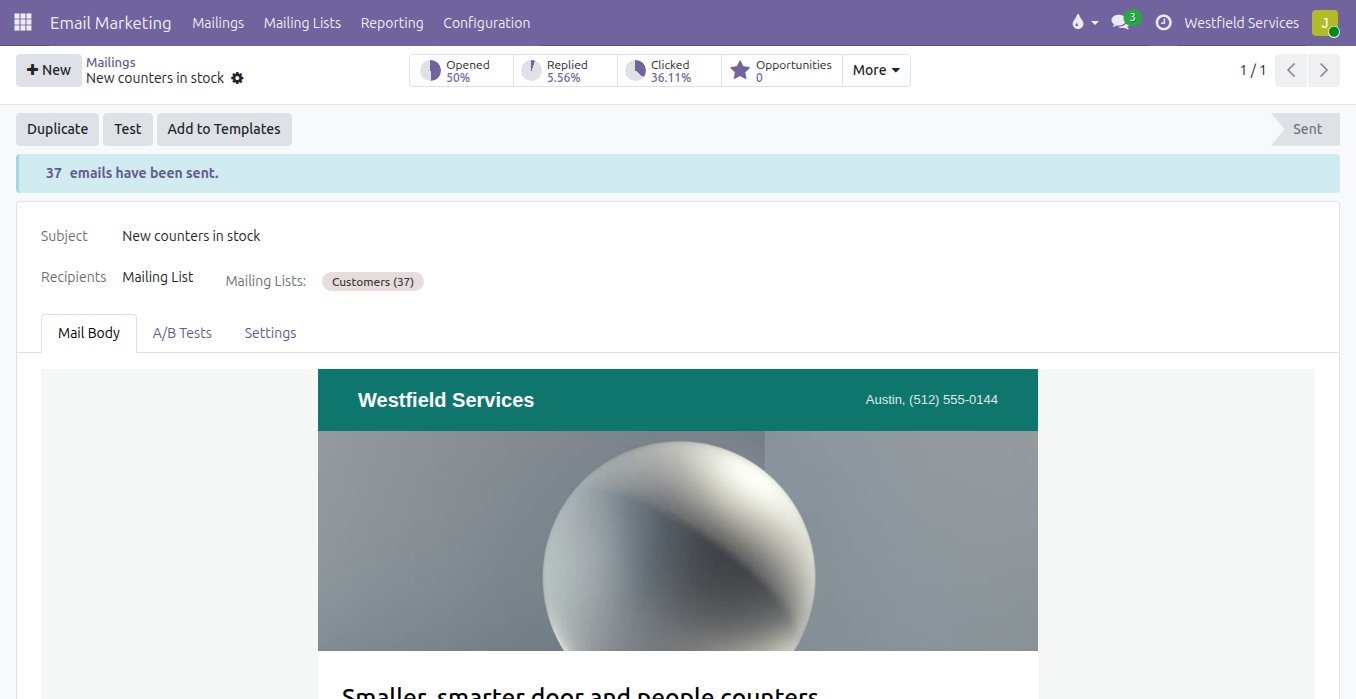
Stop guessing which subject line works: test two on a slice of the list and the winner goes to everyone else.
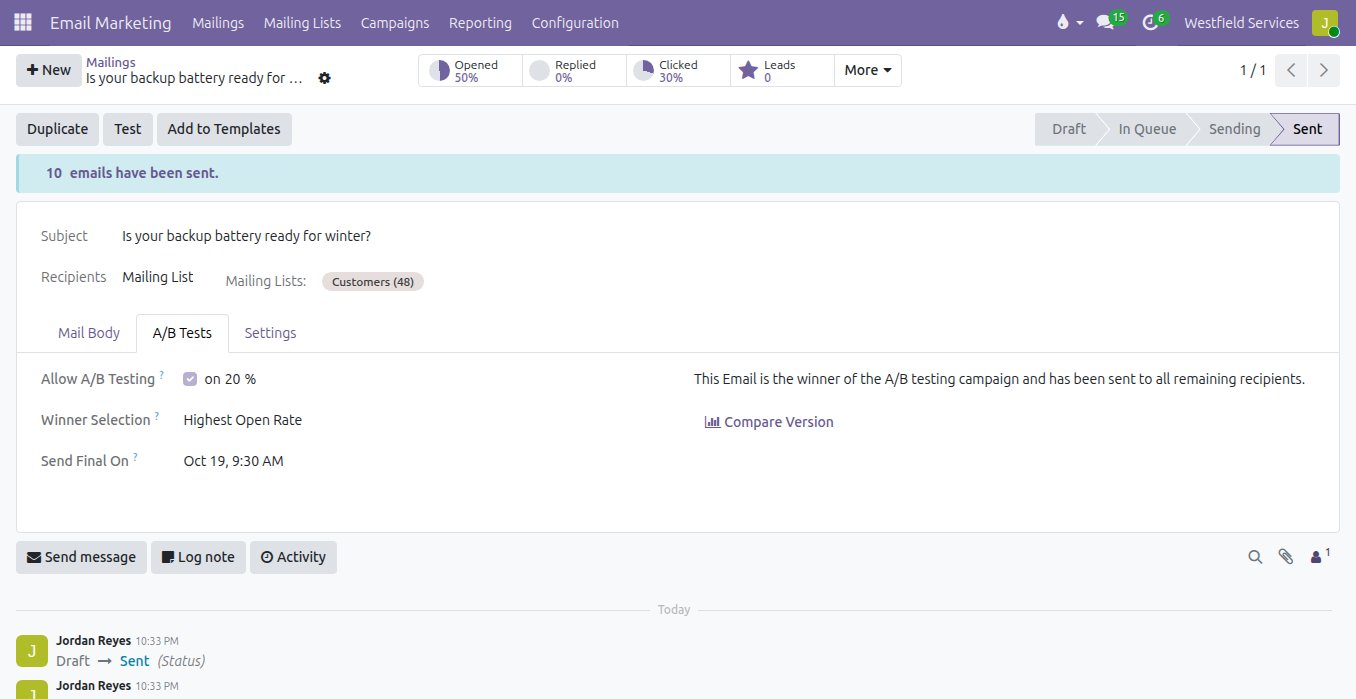
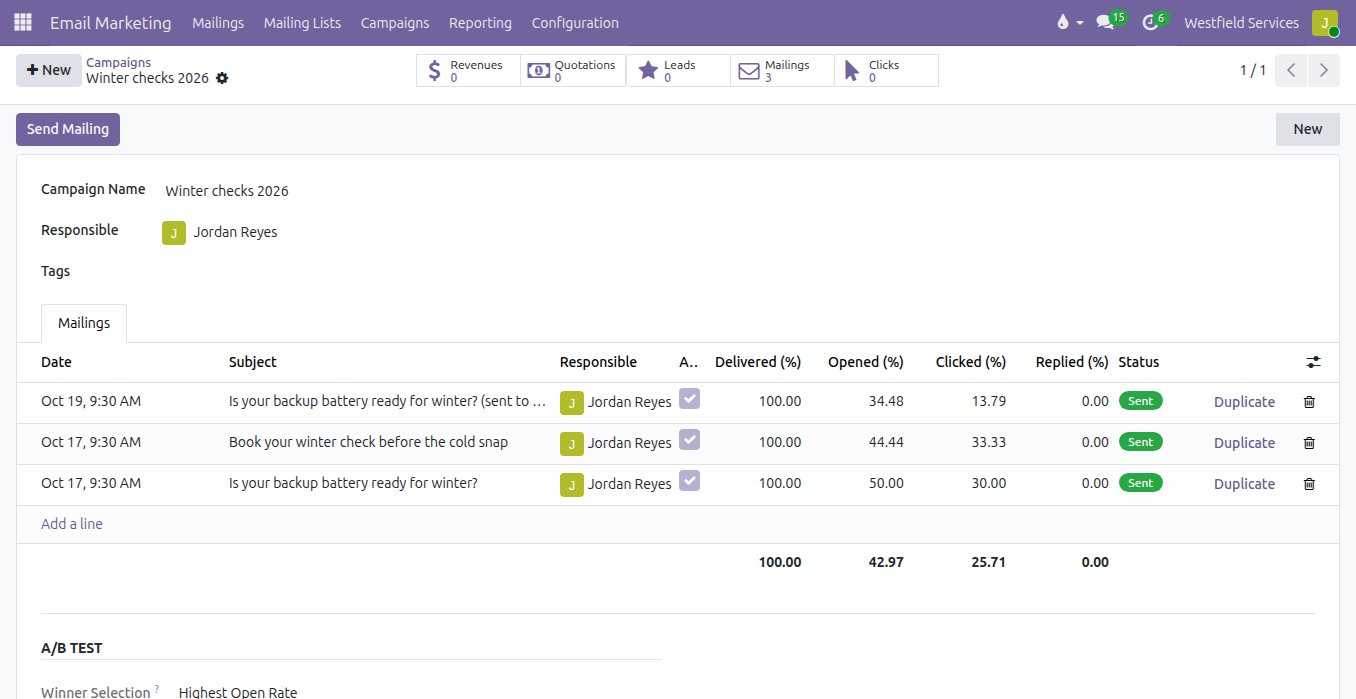
Every campaign starts with an argument about the subject line, settled by whoever has the most seniority. Here you write two versions, or three, and send them to a share of the list you choose, a fifth for instance. After the time you set, the version with the most opens or the most clicks goes to the rest of the list automatically, and the comparison stays on the campaign, so the next argument is settled by what your own customers did last time.
- Two or more versions sent to a share of the list
- The winner picked by opens or clicks
- The rest of the list sent the winner automatically
- The comparison kept for the next campaign
Count what a campaign sold rather than how many people opened it, from the first click to the paid invoice.
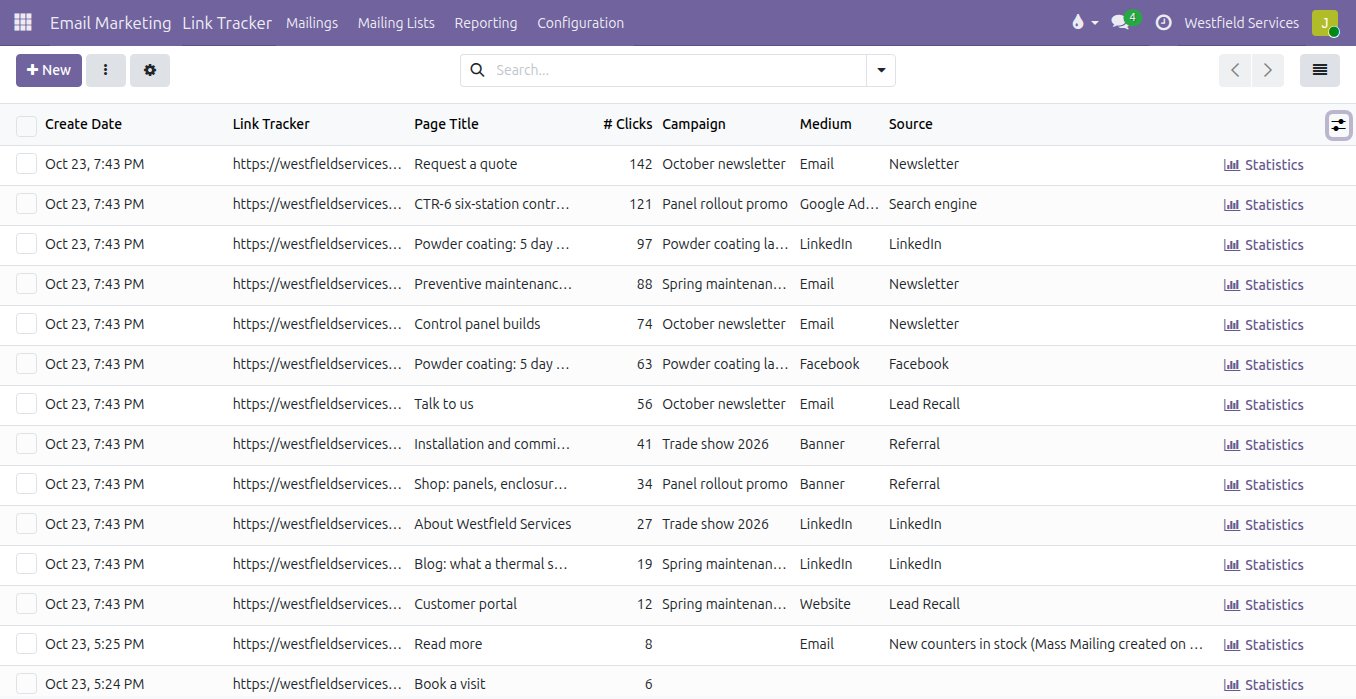
An open rate is not a result, and the campaign that looked best on opens may have sold nothing. Every link in a mailing is tracked, and so are the links you put in ads, social posts and printed material, each one tagged with the campaign, the medium and the source. A visitor who clicks and then fills in a form becomes a lead with the campaign on it; the lead becomes a quote, the quote an order. The campaign gathers its mailings and shows the leads, quotations and revenue it produced, so next quarter's budget follows what actually sold.
- Every link tracked, in mailings and anywhere else you publish
- Clicks by campaign, medium and source
- Leads, quotes and revenue counted per campaign
- Each click a link to the contact, so the follow-up is a call to a person
If your team already has a mailing tool they like, we keep it and connect it to the customer records.
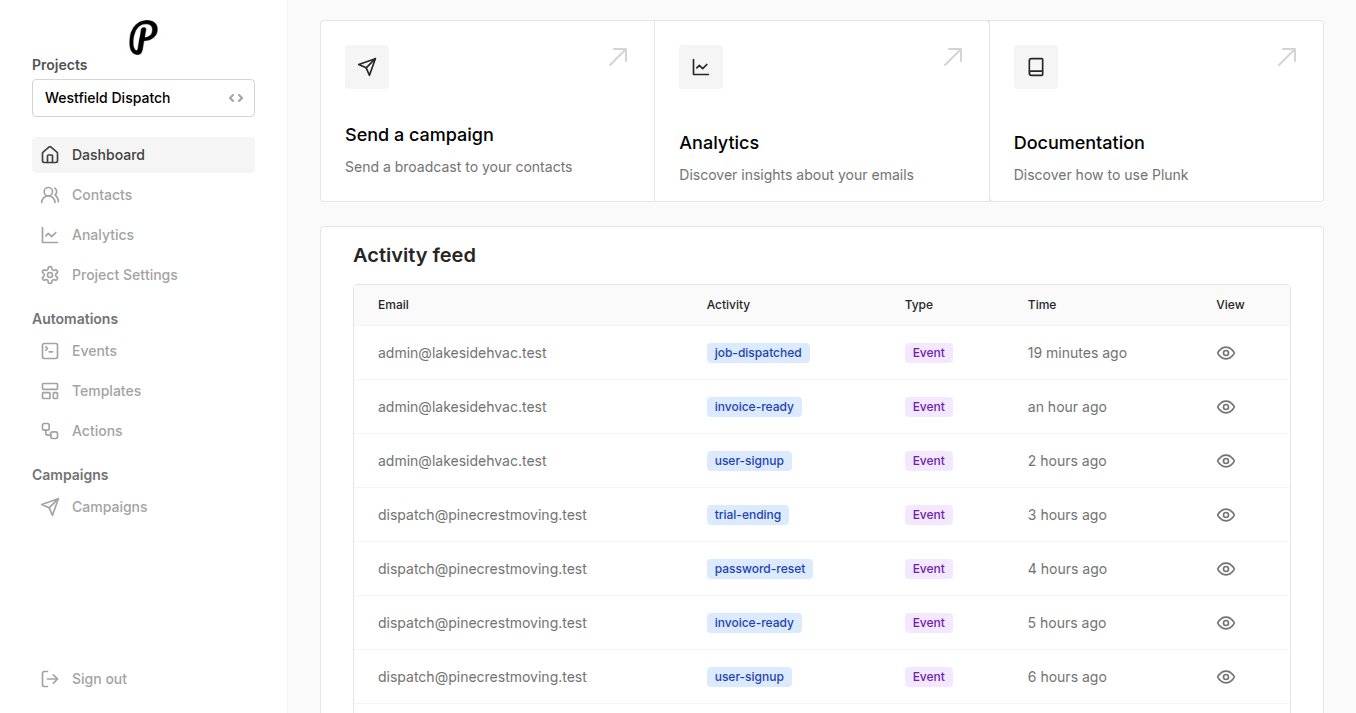
For most companies the campaigns go out from the same system that holds the customers, because the segments, the editor and the results are already on the records. Where marketing mail and transactional mail should share one sender and one reputation, we set up a sending service on your own domain that does both, with every event fed back to the contact. And where a team already lives in a mailing tool they like, such as MailerLite or ActiveCampaign, we keep it and connect it: contacts flow in from the records, opens, clicks and unsubscribes flow back, and nobody exports a list on a Friday.
- Campaigns sent from the system that holds the customers
- One sender for marketing and transactional mail, on your own domain
- A mailing tool you already use, kept and connected
- Whichever you choose, the customer record stays the list
What it is for
The newsletter, the follow-up and the receipt, from the same address book.
Segments
What they bought, when they last ordered, where they are, which stage the lead is in: the segment is a rule on the records, with no list to maintain.
Campaigns
The monthly newsletter, the product announcement and the seasonal offer, written in an editor with your brand in it and sent at the time you choose.
A/B tests
Two subject lines tried on a slice of the list, and the winner sent to the rest automatically.
Link tracking
Every link in a mailing, an ad or a post tagged with its campaign, medium and source.
Automations
The welcome series after the first order, the nudge when a quote sits unsigned, the message when a customer goes quiet, each one triggered by the record.
Transactional mail
Order confirmations, invoices and password resets from the same address book and the same sending reputation, so the marketing mail stays out of spam.
Results in orders
Leads, quotes and revenue counted on the campaign, so you know what it sold.
Consent and unsubscribes
Who agreed to what, recorded on the contact, and an unsubscribe honoured everywhere at once.
Related
CRM
Every lead in one pipeline, with the company profile filled in and the next step scheduled.
See CRMSales
Quotes, orders, deliveries and invoices from one record, so nothing is typed twice.
See salesCustomer portals
Customers sign quotes, pay invoices and check on jobs themselves.
See customer portalsIntegration and automation
The mailing tool connected to the customer records, so the list is never exported.
On the services pageSchedule a demo.
Tell us a little about your business and what you would like to see. We walk you through how this would work for a company like yours, at a time that suits you. The first conversation is free.