Connect the software you already use, so information is entered once and flows everywhere.
Most of the waste in a growing company is retyping: the order into the shipping portal, the invoice into accounting, the lead into the mailing list, and the day the person who does it is off, it stops. The systems you keep get connected so each piece of information is entered once and flows where it needs to go, every job reports success or failure where a person will see it, and a person stays in the loop where one belongs.
- Bank feeds, card payments, document reading, webhooks and workflows
- Every job reports success or failure where a person will see it
- Documented and versioned, so your team or the next one can change it
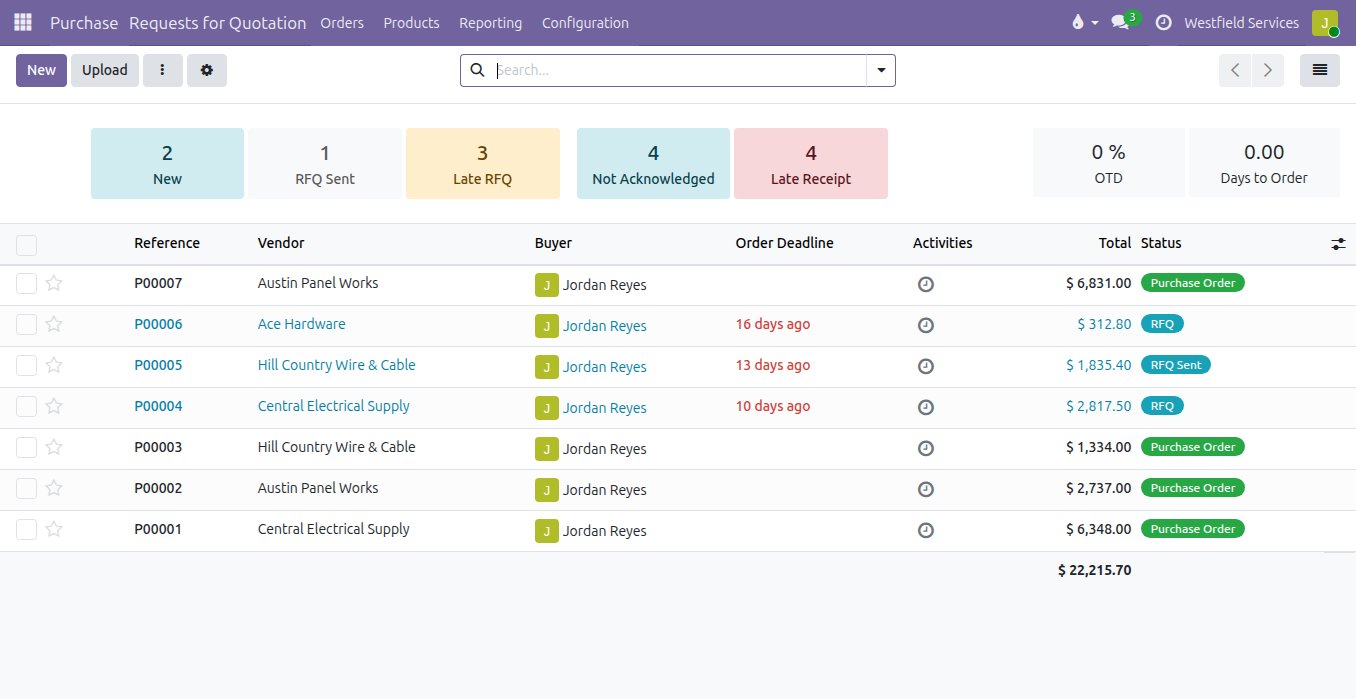
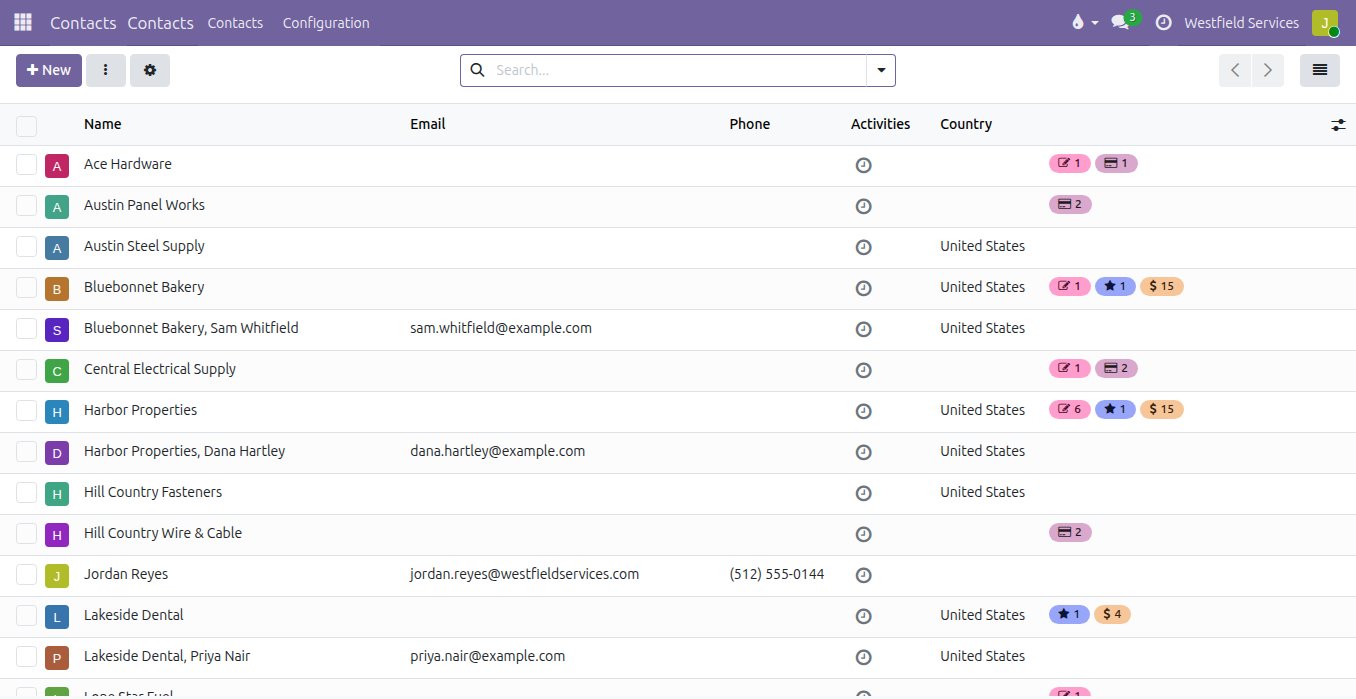
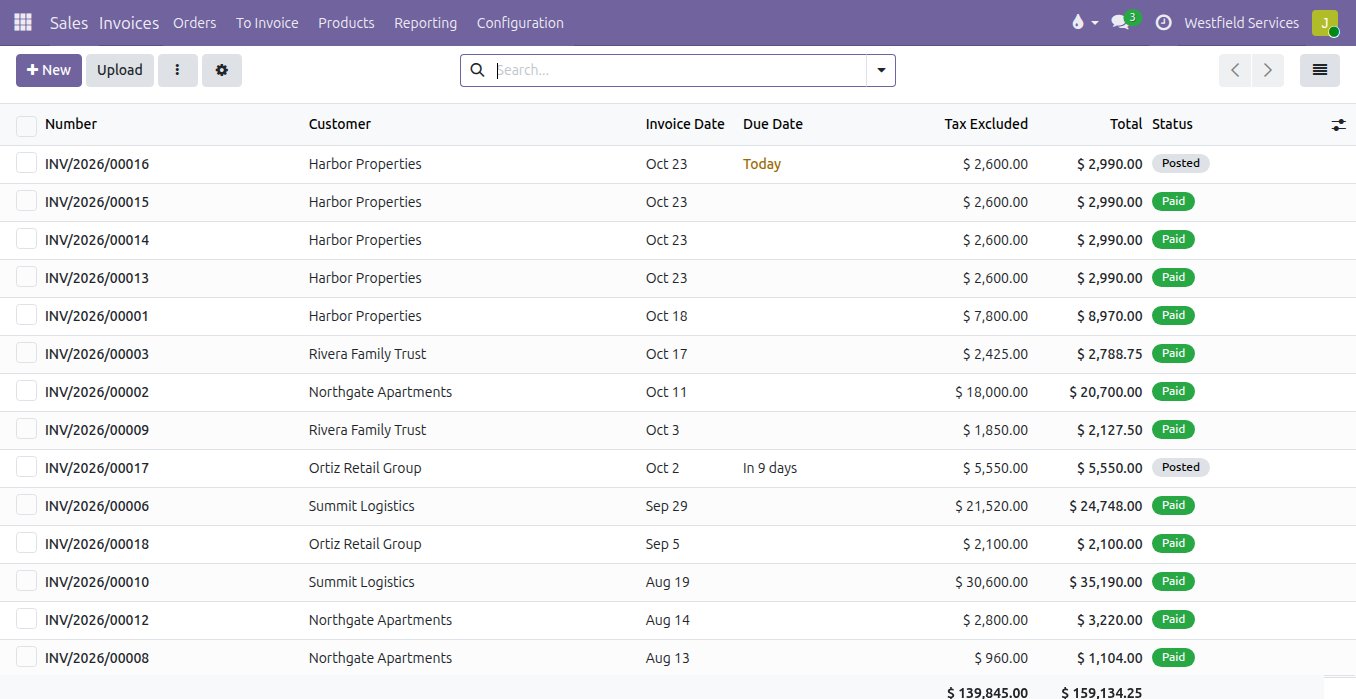
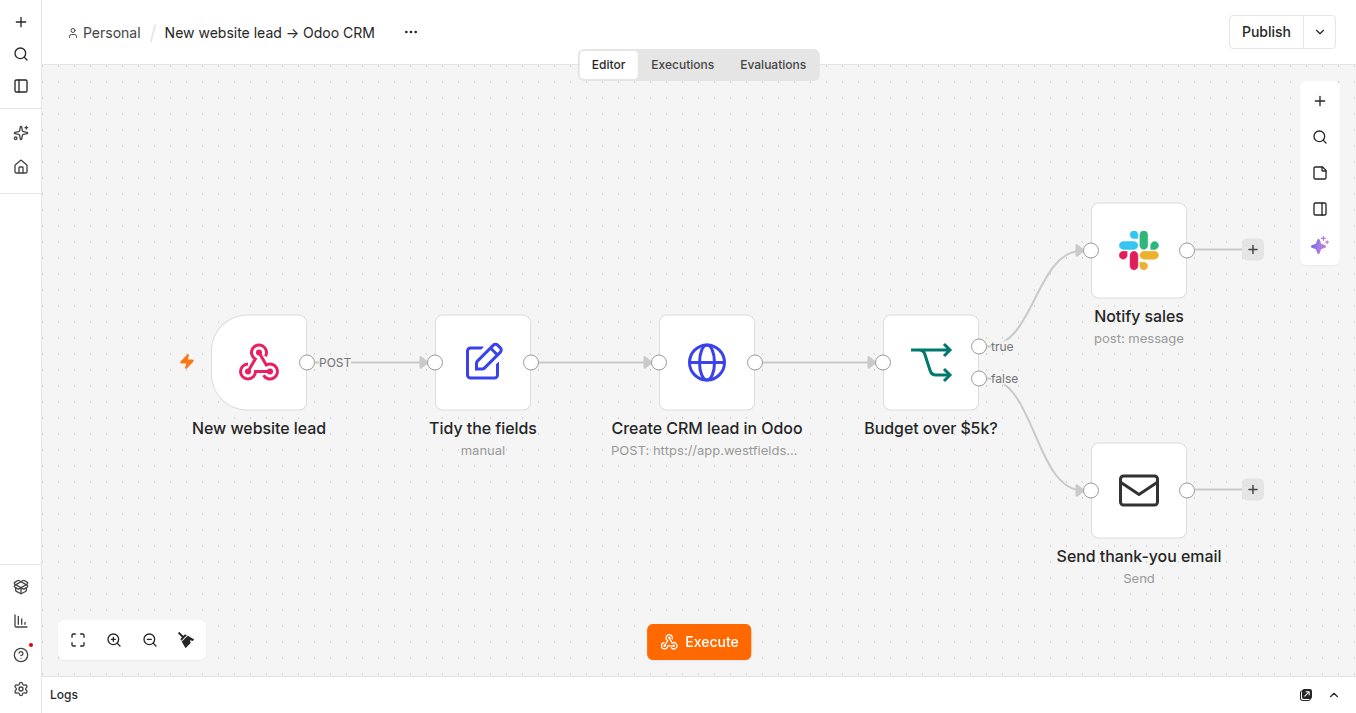
A form becomes a lead, a paid invoice posts to the team chat and a new customer joins the mailing list, with nobody retyping anything.
Someone on your team spends part of every day moving information from one app to another. The workflows between apps are built in n8n, on your own server: a trigger (a form submitted, a webhook, a schedule), a few steps that tidy the fields and decide what happens next, and the apps at the end. It connects to several hundred services out of the box and to anything with an API, each step can drop into code when it needs to, and a run that fails is highlighted so the one step that broke can be fixed and re-run rather than the whole thing done again. Changes are versioned, so who changed what, and when, is on the record.
- Several hundred services connected out of the box, and anything with an API
- A visual editor the office can read, with code where a step needs it
- A failed run shows the failed step, which is fixed and re-run on its own
- An approval step in the chat before anything goes to a customer
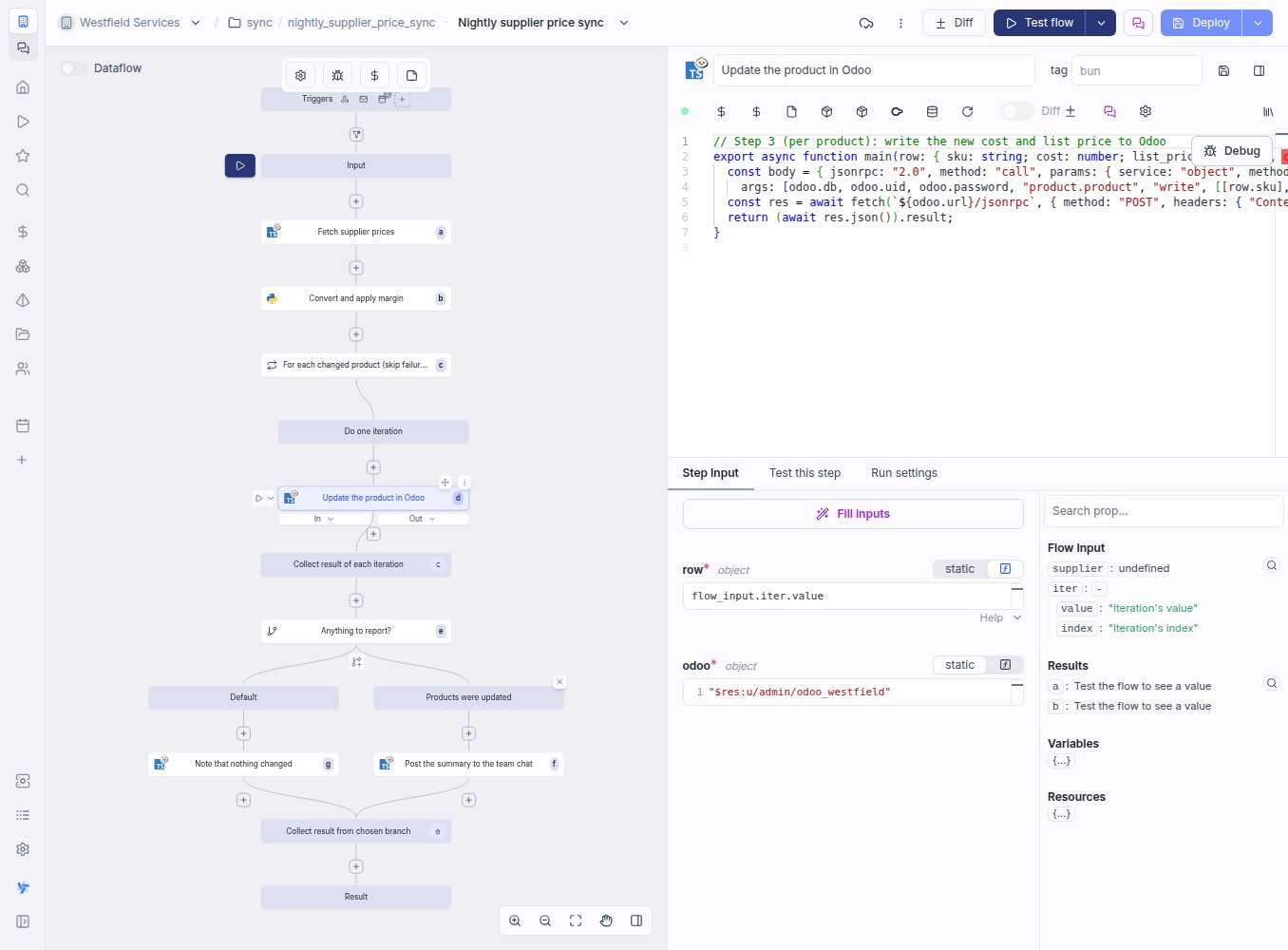
The nightly supplier sync, the price update and the month-end export run on a schedule, with a log, a retry and a person told when they fail.
Some integrations are too specific for a diagram: a supplier's price file in its own format, a hundred thousand rows to compare, a rule only your business has. Those jobs are written in Windmill, in the language the task suits, as a script with a schedule, retries and an approval step where one belongs. Every run keeps its inputs, its log and its result, so a question about last Tuesday's sync is answered by opening it; a failure sends a message to the team chat or an inbox; and the whole thing is synced to a repository with one-click rollback, so a bad change is undone rather than debugged at midnight.
- Written in the language the job suits, run on a schedule or on a webhook
- Every run kept with its inputs, log and result
- Retries, approval steps and a failure alert to chat or email
- Versioned in a repository, with one-click rollback
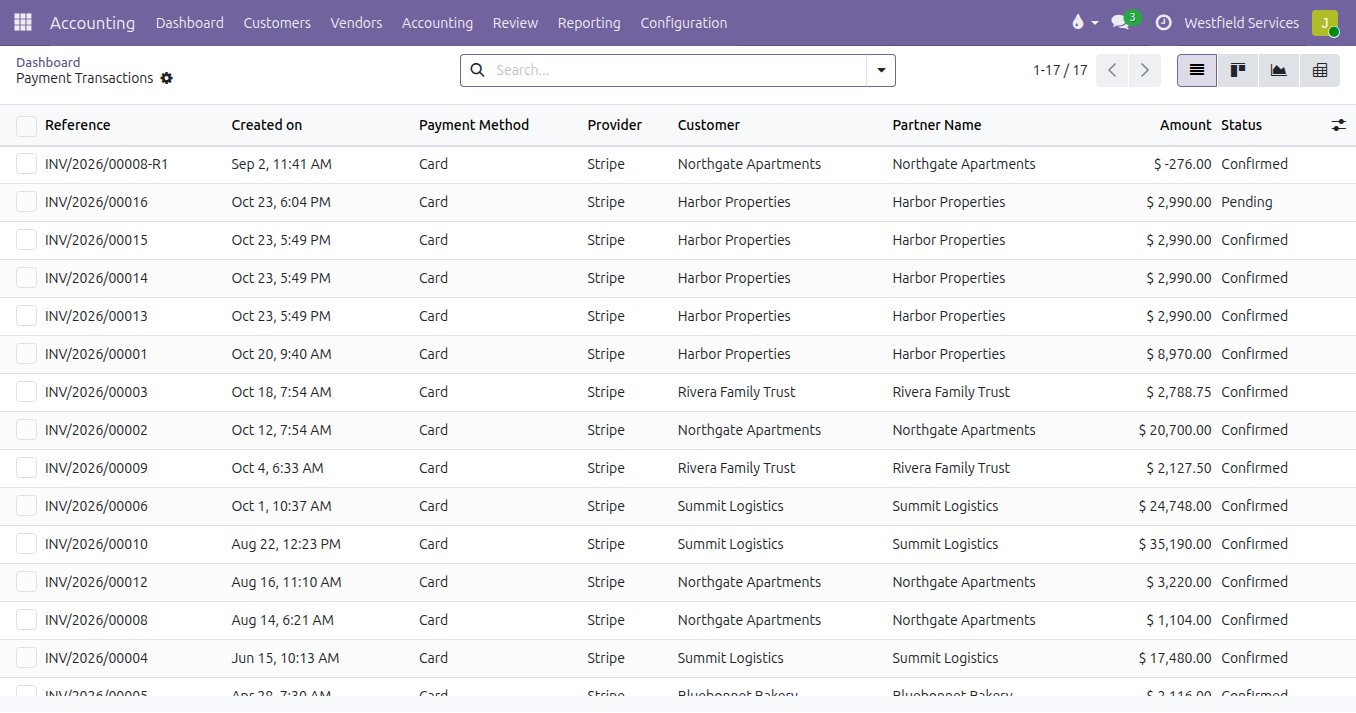
Card payments, bank lines and supplier invoices land in the books on their own, before anyone builds anything.
Not every connection needs to be built. The system of record already talks to the payment provider, so a card payment on an invoice is recorded and reconciled with its fee; the bank feed imports the statement lines automatically and matches them to the invoices and bills they paid; a supplier invoice dropped in an inbox is read into a draft bill with the document attached. We switch these on first, and build only for the gaps.
- Card payments recorded against the invoice, fees and refunds included
- Bank lines imported automatically and matched to invoices and bills
- Supplier invoices read into draft bills, with the uncertain parts flagged
- Built-in first, custom only for the gaps
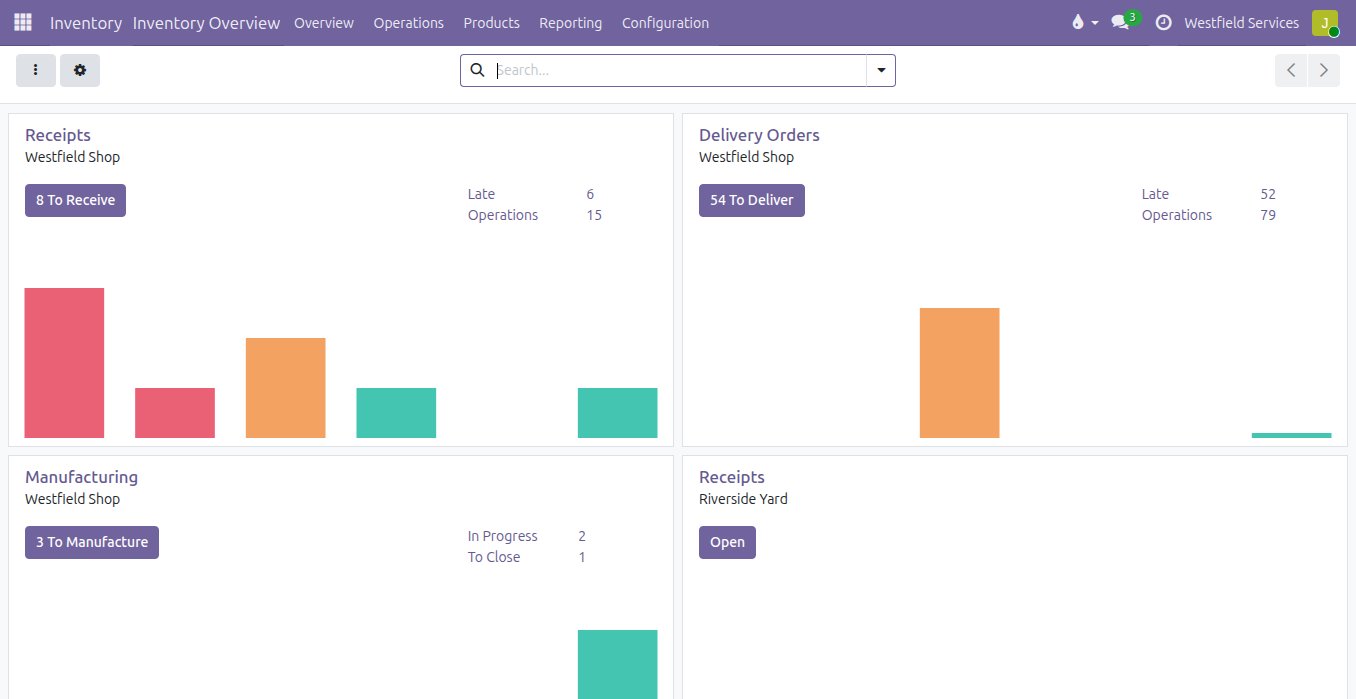
Every customer, product and order lives in one place, and everything else syncs from there in a direction you can see.
When the same customer exists in three systems, nobody knows which one is right. The customer lives in one place, the product in one place, the order in one place; everything else syncs from there, in one direction, on a schedule you can see. Before anything is built there is an integration map: what connects to what, which way the data flows, and what happens when a step fails. Where a step can fail, a person is told. Where a mistake would be expensive, a person approves first. The pipelines that move history out of the old system are written once and re-run until the numbers match.
- An integration map: what connects to what, which way, what happens on failure
- Monitoring and alerts on every job, and a feed that goes quiet is noticed
- Approvals and nudges where a person should be in the loop
- Written up so the next team can change it safely
The tools, and what each is for
Named here because it matters which one carries which job.
n8n
Visual workflows between apps: a form on the website becomes a lead, a paid invoice posts to the team chat, a new customer goes to the mailing list. Built and changed without a developer, on your own server.
Windmill
Scripts and scheduled jobs with a screen around them, for the integrations that need real code: a nightly sync with a supplier's API, a price update from a spreadsheet, a report built and emailed on a schedule.
ETL development
Pipelines that move data from the old system, the spreadsheets or the warehouse into Odoo and back out, versioned like code, so a migration can be re-run and a feed keeps running.
Webhooks
Events out of the system (an order confirmed, an invoice paid) and into it (a payment, a shipment, a form), with retries and a log, so a failure is a message rather than a surprise.
Live boards and alerts
The operational data on a live board, with an alert when a number crosses a line. The same board watches the systems themselves: uptime, errors, queues.
Devices on the floor
Scales, label printers, barcode scanners and badge readers in the shop and the warehouse, talking to the system without a computer in between.
Bank feeds
Your banks and cards imported automatically and matched to invoices and bills, through Adomi Bank Sync, which we build and run.
Document reading
Supplier invoices and receipts read into draft bills, with the document attached and the uncertain parts flagged for a person.
Related
Accounting
Bank feeds matched automatically, bills read for you, books your accountant can work in.
See accountingReal-time reporting
Every machine on one live board, with an alert before the line stops.
See real-time reportingCustom application development
The screens and workflows your business needs when standard software falls short.
See custom developmentIntegration and automation
Information that moves on its own: app-to-app sync, approvals, notifications.
On the services pageSchedule a demo.
Tell us a little about your business and what you would like to see. We walk you through how this would work for a company like yours, at a time that suits you. The first conversation is free.