Build the screens and workflows your business needs when standard software falls short.
Every company has the process that never fit the software: the approval that goes by email, the checklist on a clipboard, the portal customers keep asking for. Instead of bending the team around the tool, the tool is built around the step, on top of the systems you already run, and the code is yours when it is done.
- Approvals and checklists in the system instead of email
- A portal customers and suppliers can use themselves
- Code you own, handed over with the work
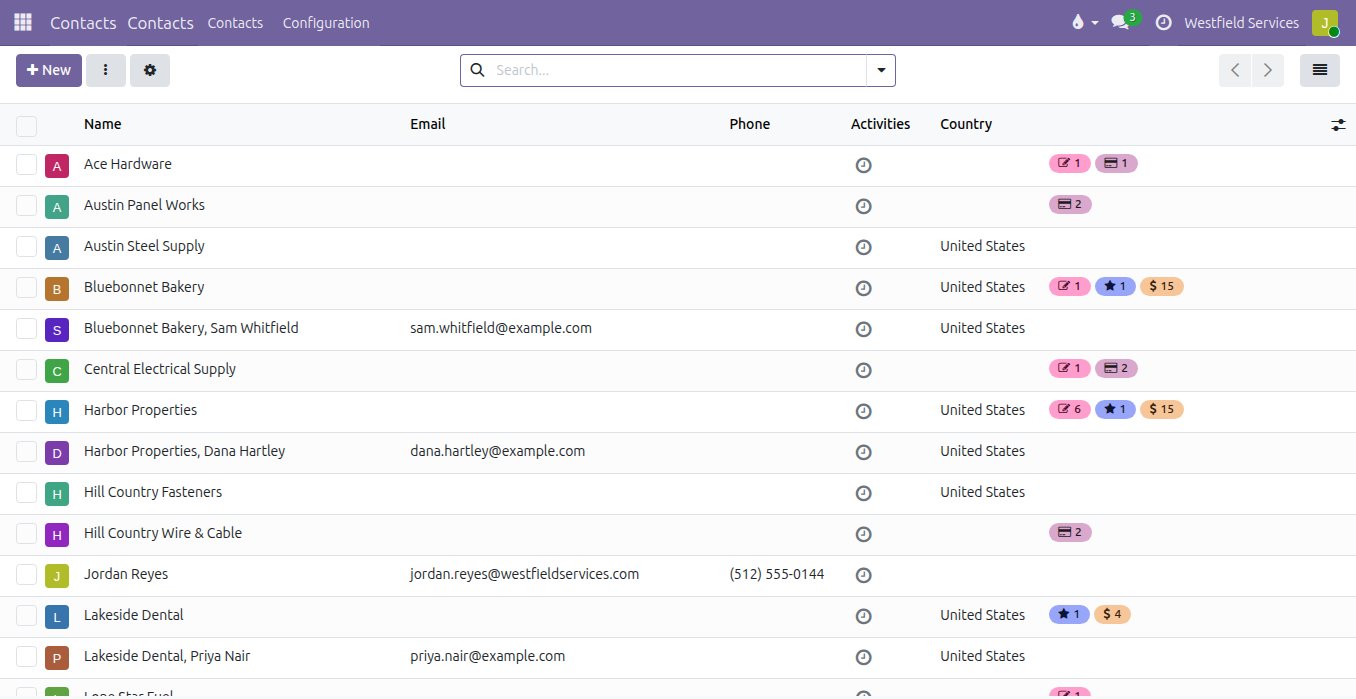
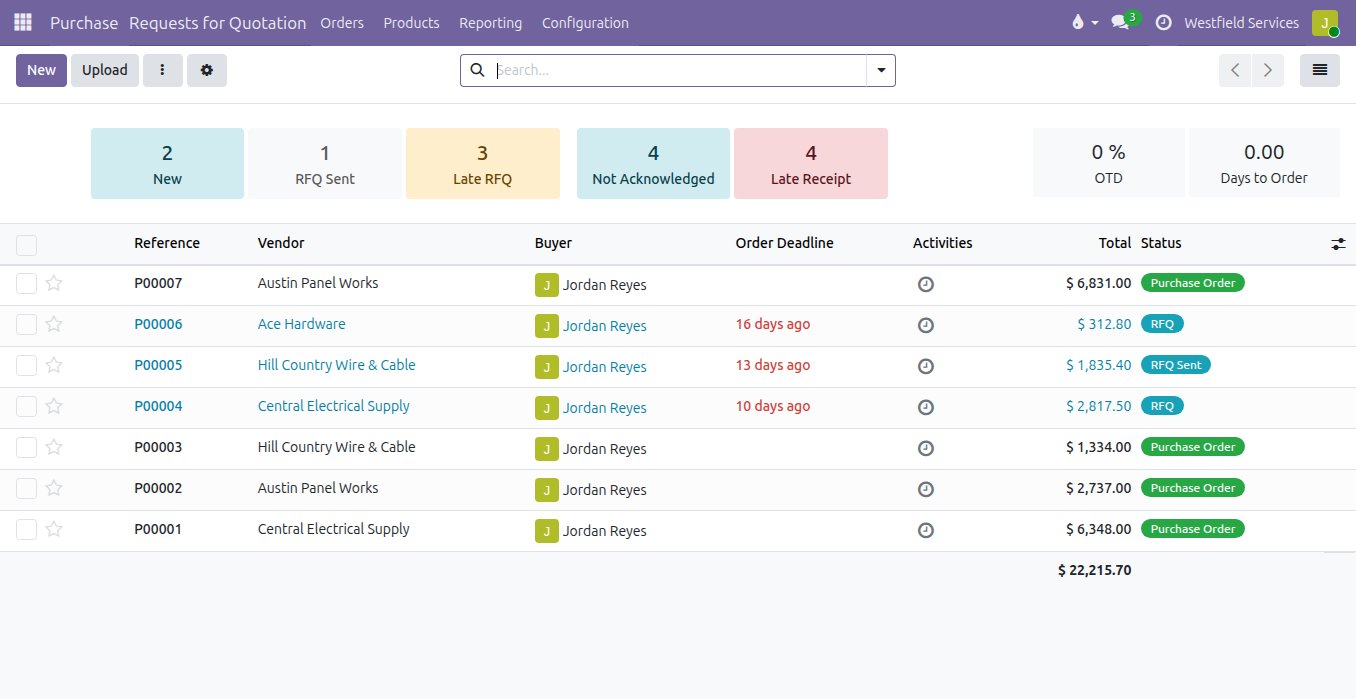
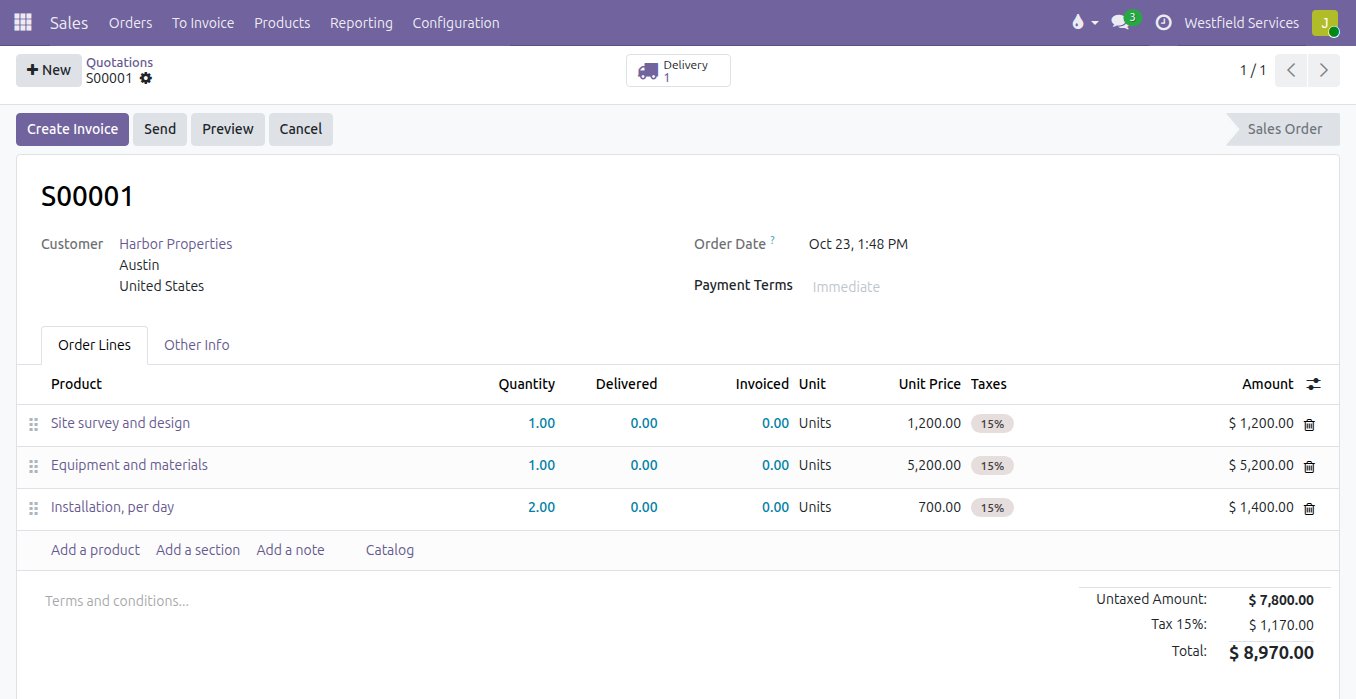
What gets built
Customer portal
Customers see their orders, invoices, and shipments, reorder, and open tickets, all drawn live from your ERP.
Warehouse or shop-floor screen
One page for picking, receiving, or a production step, designed for a scanner and a gloved hand.
Partner and supplier portal
Suppliers confirm orders and upload documents; resellers place orders at their pricing. Everything lands in your system.
Internal tool
The approval, quoting, or scheduling workflow that never fit a standard module, built to match how your team runs it.
Most of what feels custom is a field, a stage, an approval or an automatic action, and those are set up in an afternoon without a line of code.
The site address that has to be on every job, the stage a quote cannot leave without a manager's sign-off, the reminder when a task passes its deadline: these are the things a spreadsheet was invented to cover. In the standard product they are a field added to the form, a stage added to the board, an approval rule and an automated action, configured rather than programmed, so they survive every upgrade. We start every project here, and the list of what still does not fit is usually short.
- Fields, stages and views added to the standard forms
- Approval rules on the steps that need a signature
- Automatic actions when a record changes or a date passes
- Configured, not coded, so it survives every upgrade
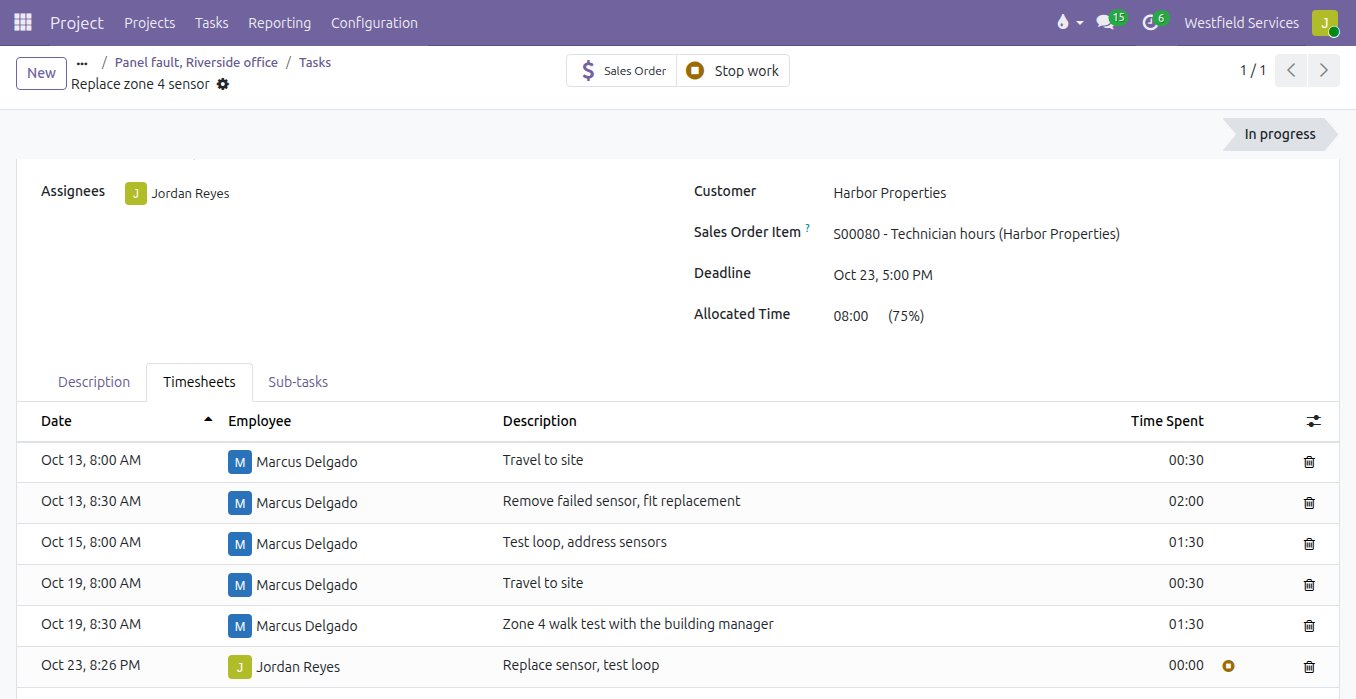
Custom code is written only where the standard product cannot do the job, so you pay for one screen rather than a second system.
Nobody wants to pay for software that already exists, and nobody wants a team of ten working round a screen that was built for someone else. We configure the standard product first and write code only for the step it genuinely cannot do. When it is written, it reads and writes your system of record through documented interfaces, so the application is a window on your data rather than a copy of it.
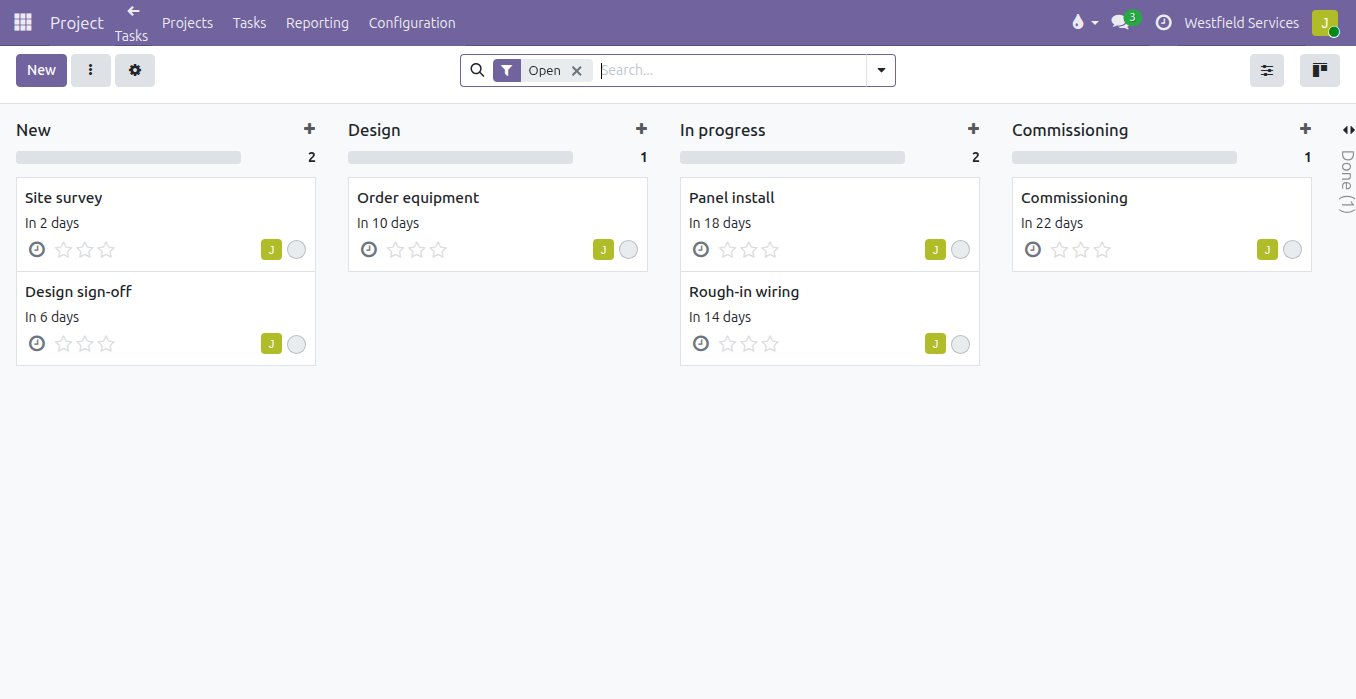
- The standard screens are too busy for the jobWe build a purpose-made view that shows only what that role needs, on the device they actually use.
- Customers or partners keep emailing for informationWe give them a portal that reads from your system of record, so the answer is always current and nobody has to look it up.
- A key process lives in someone's head and a spreadsheetWe turn it into an application with the rules built in, so it survives holidays and hand-overs.
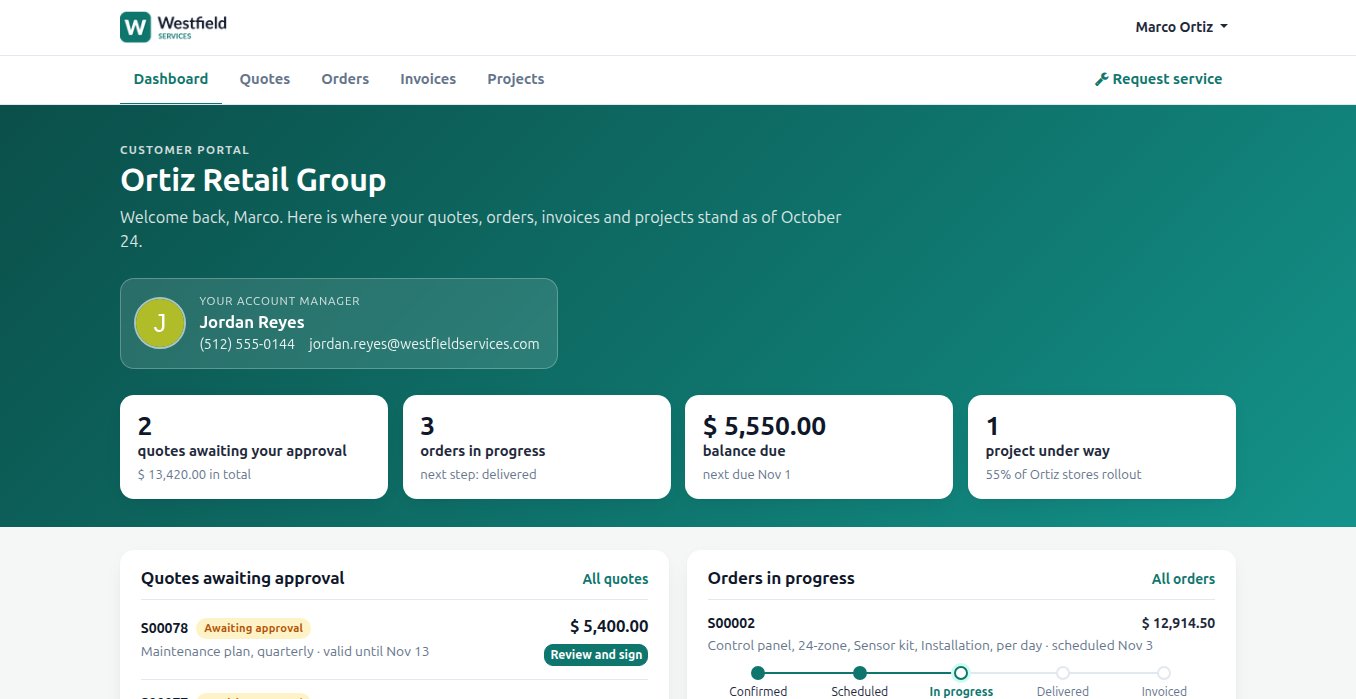
Give customers a page where they sign the quote, watch the order and book the next visit, instead of emailing to ask.
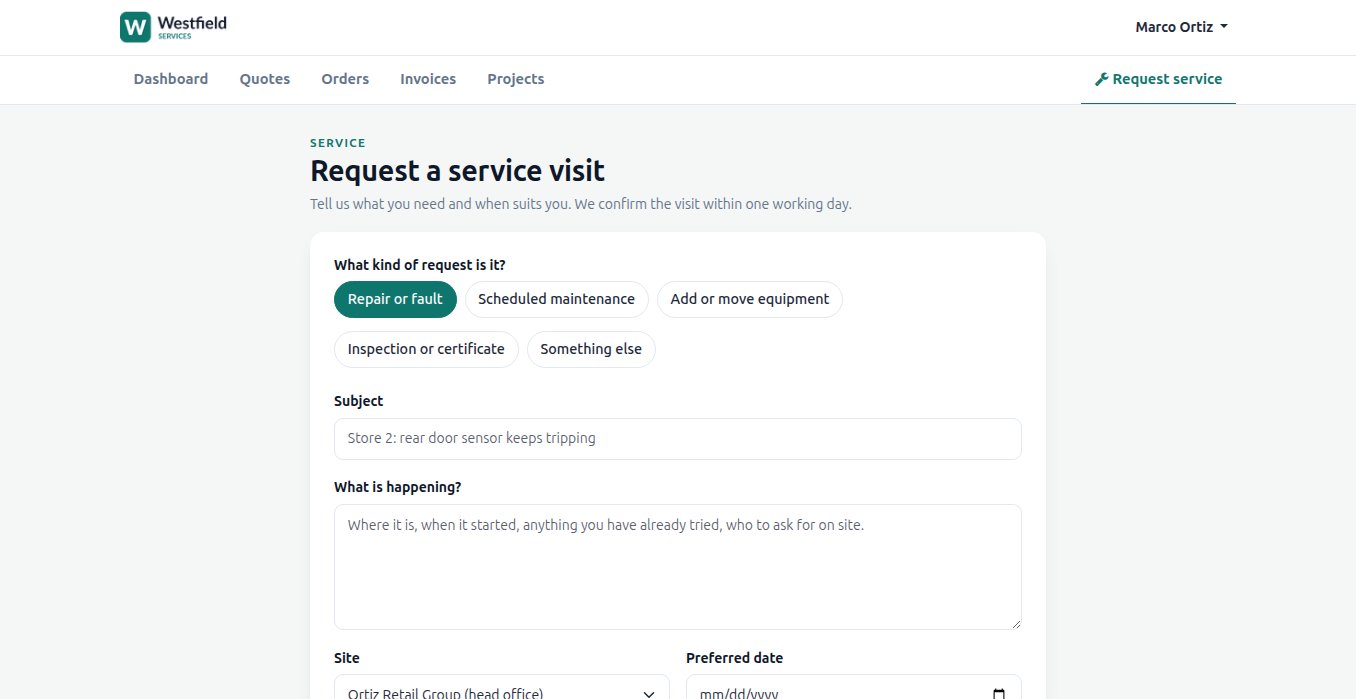
Half the emails a customer sends are questions the system could answer: where the order is, what they owe, whether the quote is still valid. A portal in your name shows each customer their quotes to sign, their orders with the step they are at, their invoices and their projects, and a form to request service that becomes a ticket or a task on the right account. Suppliers get the same for purchase orders and invoices. It runs on the records your team already keeps, behind a login, so there is nothing to keep in sync.
- Quotes signed online, orders followed step by step
- Invoices, payments and projects on the same page
- A service request that lands as a ticket or a task on the account
- Branded as yours, on your domain, with proper access control
What you get
The work, and what you keep when it is done.
Focused applications
Web and mobile-friendly tools that sit on your existing systems and pull only the data each step needs.
Portals
Customer, partner and supplier portals with proper access control, branded as yours.
Interfaces to your systems
Clean, documented connections, so the application reads and writes the system of record rather than copying it.
Source code and deployment materials
Handed over with the work, with clear licensing, so any qualified team can maintain or extend it.
Automation with review
Routine steps handled, and a person signing off wherever the cost of a mistake is real.
Tools for the assistant
The text assistant learns your process too: a new tool it can call, with the permissions you set.
Related
Integrations
The software you already use, connected so information is entered once.
See integrationsCustomer portals
Customers sign quotes, pay invoices and check on jobs themselves.
See customer portalsAI development
Assistants, knowledge bases and integrations on your own data, within limits you set.
See AI developmentCustom software and portals
Customer portals, internal tools, and the workflows unique to your business.
On the services pageSchedule a demo.
Tell us a little about your business and what you would like to see. We walk you through how this would work for a company like yours, at a time that suits you. The first conversation is free.